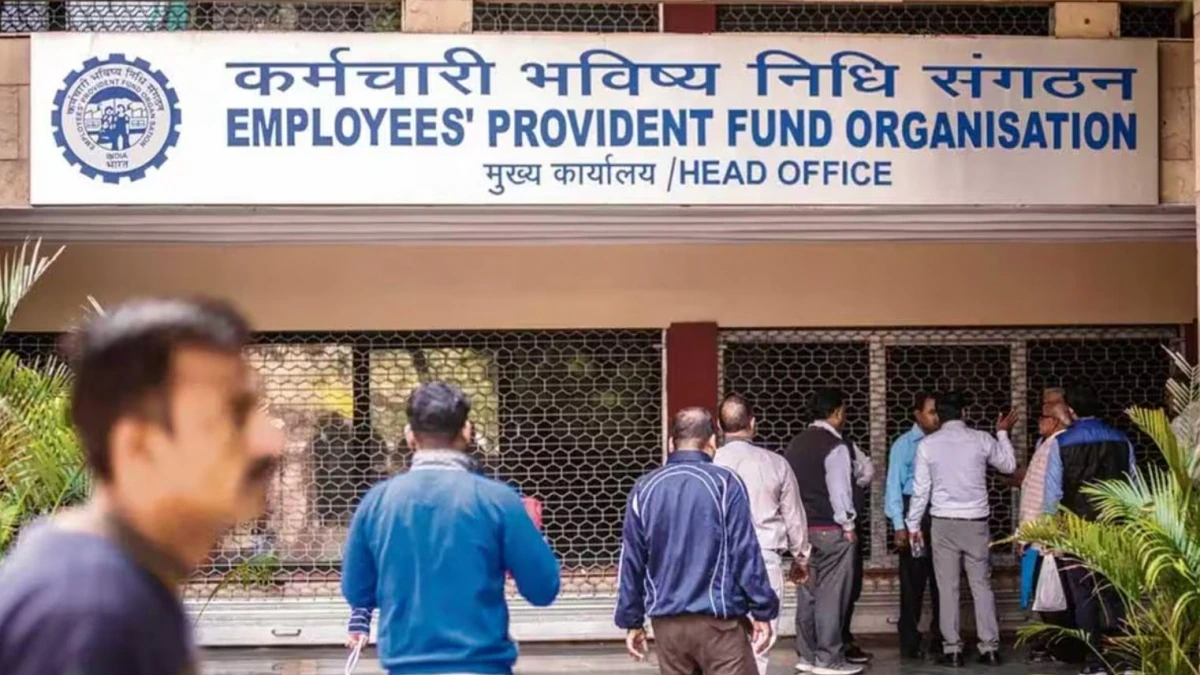
The Employees’ Provident Fund Organisation (EPFO) has rolled out new reforms that allow employees to transfer their EPF accounts without routing claims through their past or present employers in specific cases. This initiative is aimed at streamlining the process and enhancing efficiency.
“This reform will save significant person-hours for employees and EPFO staff alike. Additionally, the reduced timelines and improved accuracy are expected to boost morale among the employed class,” said Jaideep Kewalramani, COO and Head of Employability Business at TeamLease. The move reflects EPFO’s commitment to empowering employees and ensuring seamless management of their provident fund accounts.
“Transfers between Member IDs linked with the same UAN, where the UAN was allotted on or after 01/10/2017 and linked with Aadhaar.
Transfers between Member IDs linked with different UANs, where such UANs were allotted on or after 01/10/2017 and linked with the same Aadhaar.
Transfers between Member IDs linked with the same UAN, where the UAN was allotted prior to 01/10/2017, is linked with Aadhaar, and the name, date of birth (DOB), and gender are identical across the Member IDs.
What is UAN?
A Universal Account Number (UAN) is a 12-digit unique identifier assigned to every employee contributing to the Employee Provident Fund (EPF). Issued by the Employees’ Provident Fund Organisation (EPFO), the UAN helps consolidate multiple EPF accounts linked to different employers under a single umbrella for seamless management.
How to Link EPF UAN with Aadhaar on the EPFO Portal
- Visit the Member e-Sewa Portal: Log in to your EPF account using your UAN credentials. (https://www.epfindia.gov.in/site_en/For_Employees.php)
- Navigate to KYC Section: Click on the “KYC” option under the “Manage” menu.
- Choose Aadhaar: Select Aadhaar as the document type and input the required details.
- Verify and Save: Ensure the details match your Aadhaar card. Submit for verification.